Custom Field Values on Project Folders
Custom field values can now be set on a folder from the folder's ⋮ menu → Edit. Every project in the folder and its subfolders inherits…
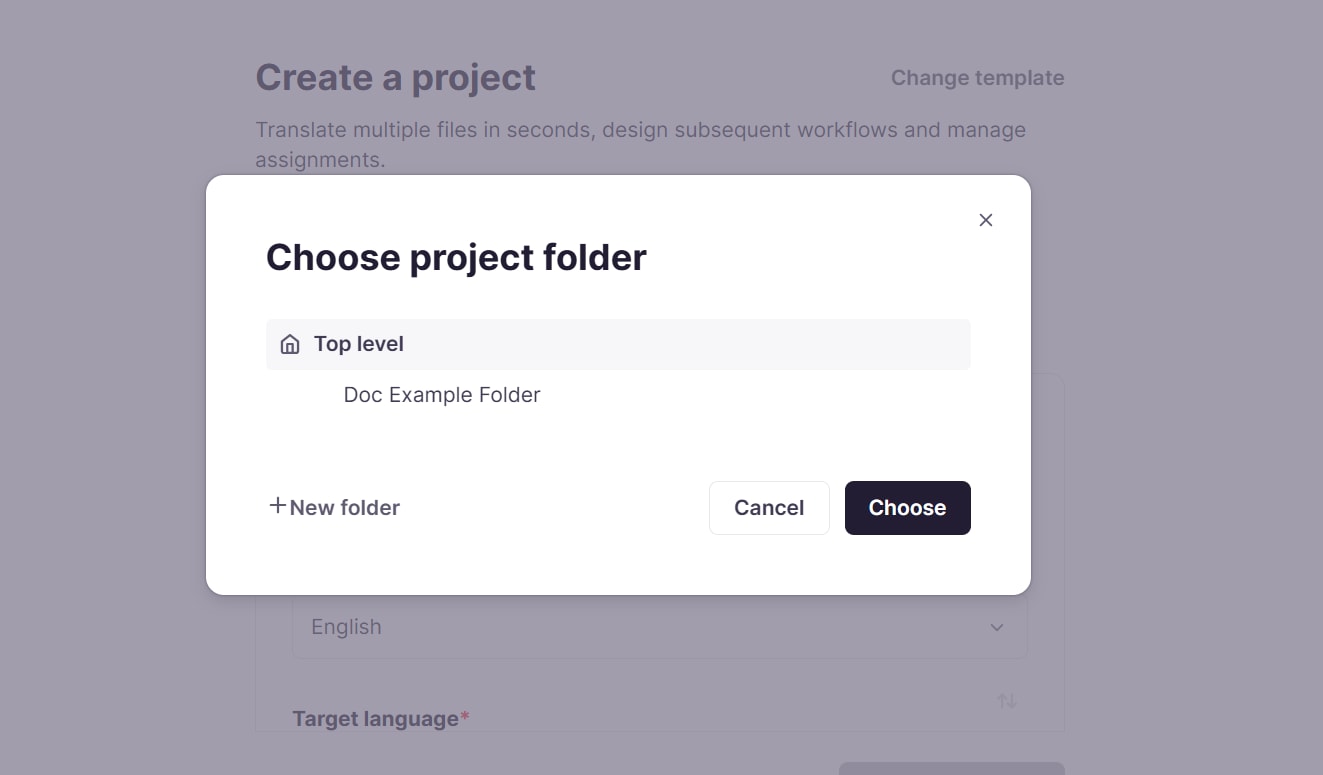
Project templates now let each custom field be set as Locked, Required, or Optional, so teams control which values users can't change, must fill in, or can leave empty. The template's project folder follows the same three modes, and existing fields became Required with their values intact, so current templates work as before. Custom fields have moved from the project Settings tab to their own Custom fields tab, where people who can manage the project edit values and everyone else sees them read-only. Custom field values can also be added in the new project wizard under Additional settings, without a template. Projects can be created right inside a folder, and users who manage folders can pick an existing folder or create a new one from the wizard's Project folder picker.
To learn more in our Creating and using project templates help center article.